
How to Paraphrase Without Plagiarism (2026 Guide)
Most people learn paraphrasing the wrong way. They open a source, change a few words, and call the result their own. That is exactly what gets flagged. A real paraphrase is harder than that, and it is also simpler than most guides make it sound. You read until you understand the idea, you put the source away, and you write the idea again in your own sentence. Then you cite it.
This guide shows the method step by step, with a real test of the SavyTools tool so you can see what it does and what it does not do. You will also see when to quote instead of paraphrasing, and what the site’s checkers can and cannot prove.
What paraphrasing is, and what it is not
A paraphrase keeps the idea and changes the words and the structure. A quote keeps the words exactly. A summary keeps the main point and drops the detail. Patchwriting keeps the structure and swaps a few words. Only the first of these four is a paraphrase.
| Method | What it does | When to use it | Citation needed? |
|---|---|---|---|
| Paraphrase | Restates the idea in your own words and structure | When the idea matters but the exact wording does not | Yes |
| Quote | Copies the exact words inside quotation marks | When the wording itself is the point, or the line is famous | Yes |
| Summary | Condenses a longer passage to its main point | When you need the gist, not the detail | Yes |
| Patchwriting | Swaps a few synonyms and keeps the sentence structure | Never. It is not a real method | Even with a citation, the wording is still too close |
- A paraphrase changes the words and the sentence structure, not just the words.
- A quote is honest only inside quotation marks, with the source named.
- A summary is shorter than the original and keeps only the main point.
- Patchwriting is the trap. It looks different at a glance, but the sentence is still the source’s sentence.
The 5-step method
Every serious guide teaches the same five steps, and for good reason. They work because they force you to understand the idea before you write anything. Here they are, in the order that matters.
| Step | What to do | Why it matters |
|---|---|---|
| 1. Read until you understand | Read the passage twice. Put it in your own head first, not on the page. | You cannot restate what you do not understand. |
| 2. Put the source away | Close the tab, the book, or the PDF. Do not look at it while you write. | If the source is in front of you, you will copy its structure without noticing. |
| 3. Write from memory | Write the idea as you would explain it to a friend. | Your own voice only appears when the source is out of sight. |
| 4. Change the structure | Change the subject, the order, or the shape of the sentence. See the three moves below. | Structure is what makes a paraphrase different from patchwriting. |
| 5. Compare and cite | Open the source again, check the meaning, fix anything that drifted, and add the citation. | A paraphrase without a citation is still plagiarism. |
- Step 2 is the one people skip, and it is the one that matters most.
- If you cannot write the idea from memory, read the source again and repeat step 1.
- Checking the meaning in step 5 is not optional. A paraphrase that changes the meaning is wrong, even if the words are all yours.
The three moves that actually rewrite a sentence
Synonym swapping is not on this list. These three moves are what change a sentence for real. Use at least two of them in every paraphrase.
| Move | What it means | Example |
|---|---|---|
| Change the subject | Make a different word the subject of the sentence. | “The teacher explained the rule” becomes “The rule became clear after the teacher’s explanation.” |
| Change the level of abstraction | Go more general or more concrete than the original. | “She ran three miles every morning” becomes “Her daily routine included a long morning run.” |
| Change the syntax | Flip the clause order, split one sentence into two, or join two into one. | “He left because it rained” becomes “The rain was the reason he left.” |
- One move is a start. Two moves make the sentence yours.
- Swapping one word, like “time” for “period”, is none of these three moves.
- Keep names, numbers, and technical terms unchanged. Rewording those can introduce errors, so the tool’s own tips say the same.
Worked example 1: the real tool test
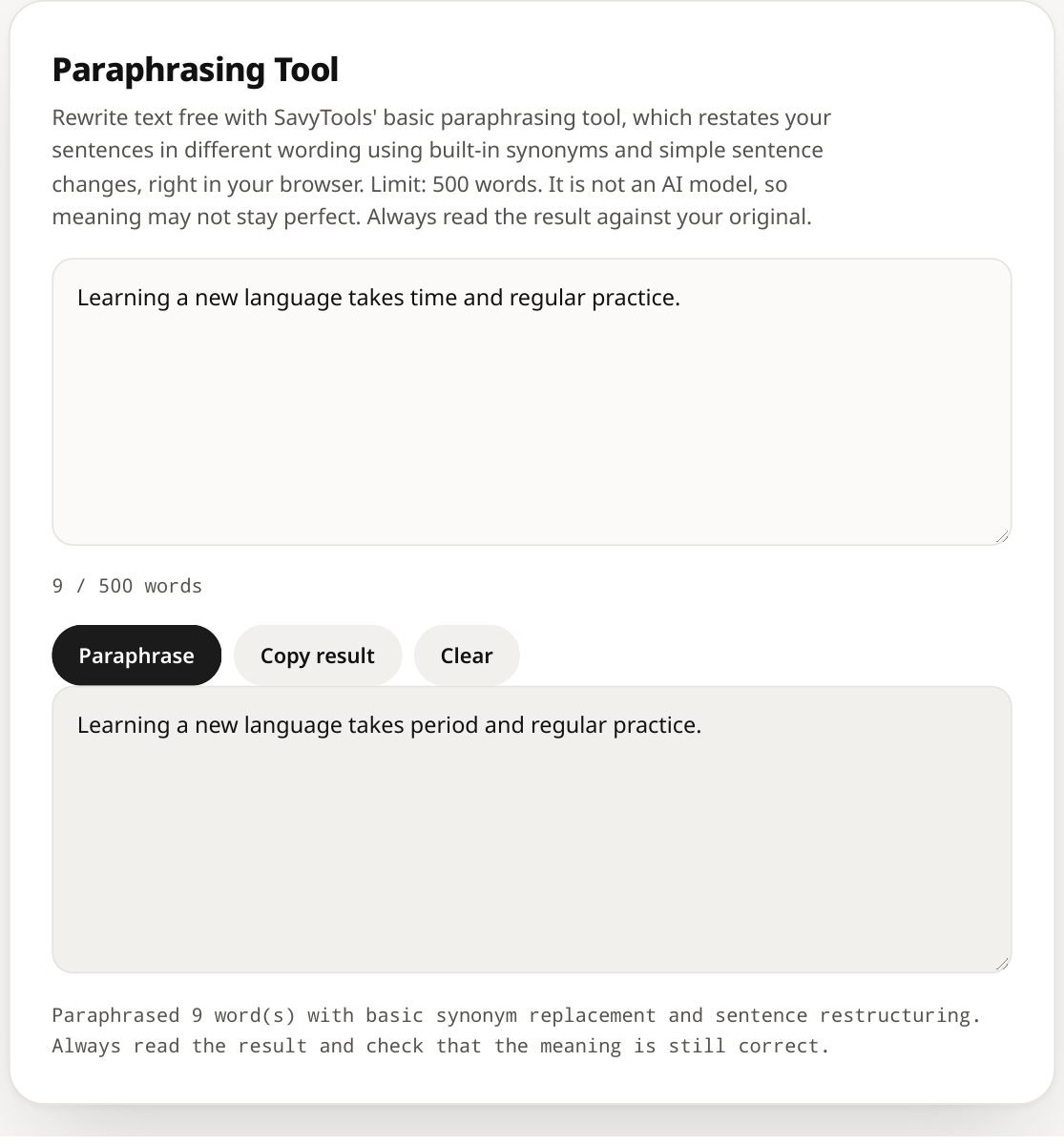
Here is a real test, run on the SavyTools Paraphrasing Tool on 13 November 2026 and checked again on 18 November 2026. The input was a plain sentence of 9 words. Watch what the tool did, and what it did not do.
| Version | Text | What changed |
|---|---|---|
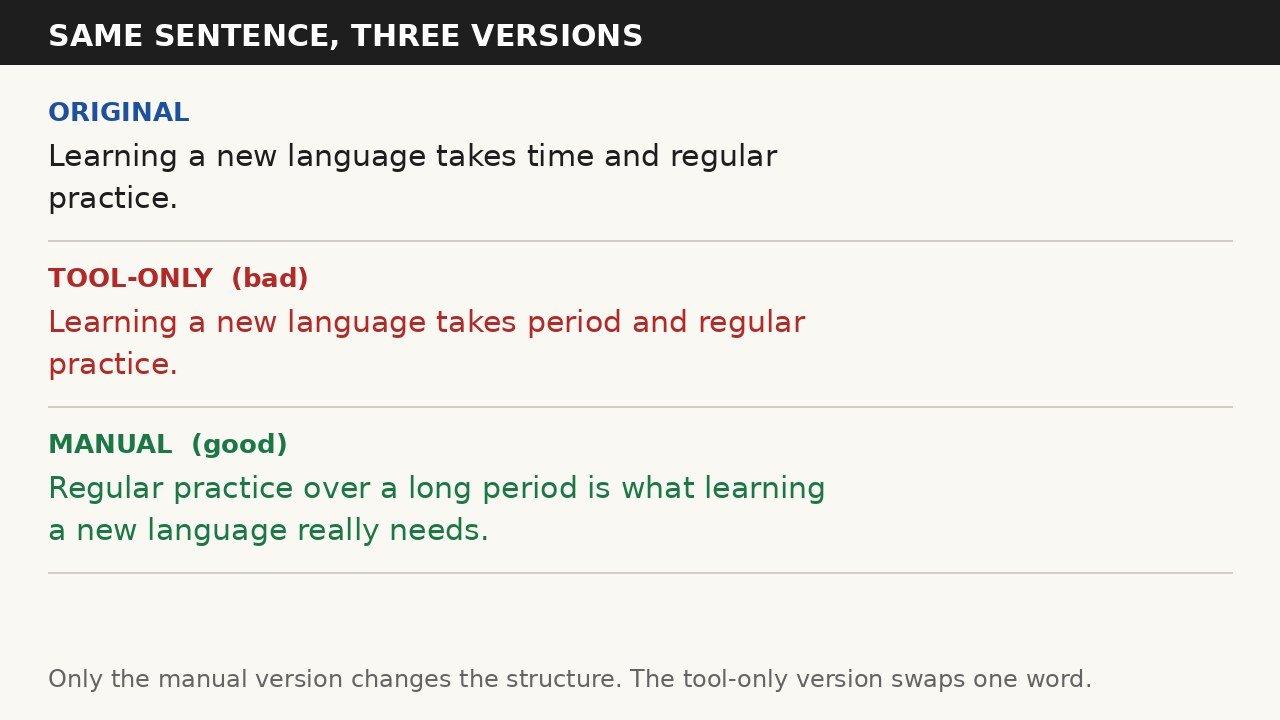
| Original | Learning a new language takes time and regular practice. | Nothing. This is the source sentence. |
| Tool-only (bad) | Learning a new language takes period and regular practice. | One word changed: “time” became “period”. The structure is identical. This is patchwriting. |
| Manual (good) | Regular practice over a long period is what learning a new language really needs. | Subject changed (the practice, not the learning). Clause order flipped. Same idea, new sentence. |
The tool reported “Paraphrased 9 word(s) with basic synonym replacement and sentence restructuring”. That status line is honest. It replaced synonyms, and that is all it did. The tool-only version still reads like the original because it is the original with one word swapped. A teacher reading it would recognise the source at once, and a checker would flag the wording as too close.
The manual version passes the test. It says the same thing, but no part of the sentence follows the original. Even so, it still needs a citation if the idea came from a source. Changing the words does not make the idea yours.
Worked example 2: same pattern, new sentence
Here is a second example, written for this guide, to show the same pattern on a different sentence.
| Version | Text | What changed |
|---|---|---|
| Original | The city council approved the new library budget after months of debate. | Nothing. This is the source sentence. |
| Tool-only (bad) | The city council approved the new library budget after months of discussion. | One word changed: “debate” became “discussion”. The structure is identical. This is patchwriting. |
| Manual (good) | Months of debate ended when the council finally approved funding for the new library. | Subject changed (the debate ending, not the council approving). Clause order flipped, so the debate comes first. Same fact, new sentence. |
- Both tool-only versions change exactly one word and keep everything else.
- Both manual versions change the subject and the order, so the sentence is rebuilt, not repainted.
- Both manual versions still need a citation, because the fact came from a source.
How to use the SavyTools Paraphrasing Tool honestly
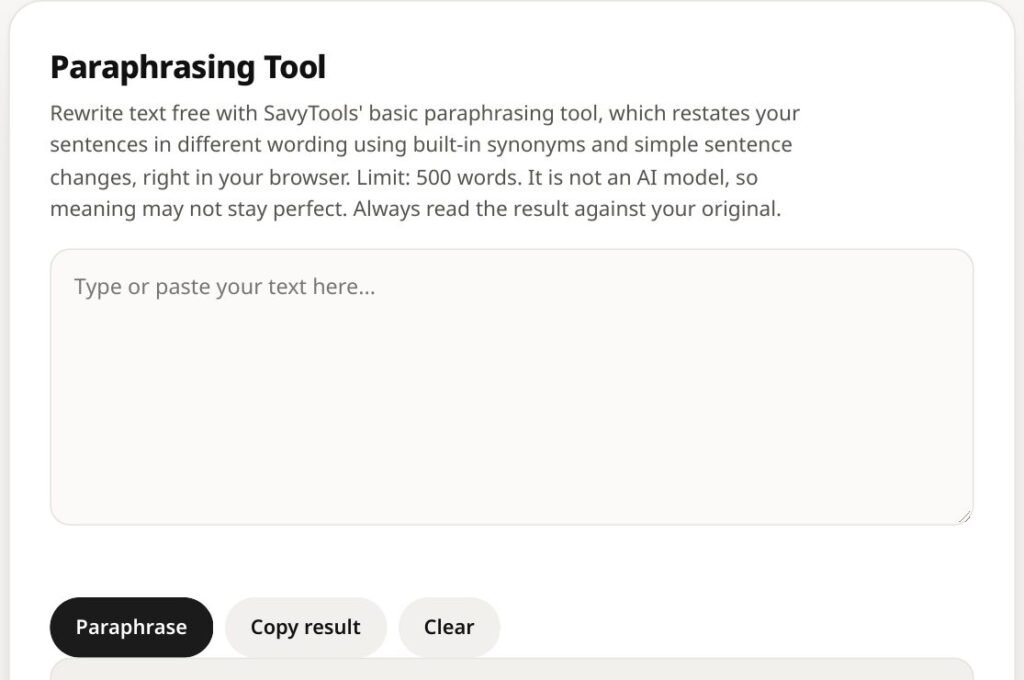
The tool is free, it runs in your browser, and it takes up to 500 words at a time. It is a basic synonym tool, not an AI model, so the meaning may not stay perfect. That is not a flaw to hide. It is the reason you should use it as a starting point and never as a final answer.
| Step | What to do |
|---|---|
| 1. Paste up to 500 words | Paste your text into the Paraphrasing Tool. If your passage is longer, split it into chunks of 500 words or fewer. |
| 2. Run the rewrite | Let the tool replace synonyms. Expect a draft, not a finished paraphrase. |
| 3. Treat the output as a draft only | Do not paste the output straight into your work. It is patchwriting until you rebuild it. |
| 4. Rewrite it in your own structure | Use the 5-step method and the three moves above. Change the subject and the order. |
| 5. Read it aloud | Read the rewritten text aloud and compare it with the original side by side. |
| 6. Keep names, numbers, and technical terms unchanged | Rewording a name or a number can introduce an error. Leave those exactly as they are. |
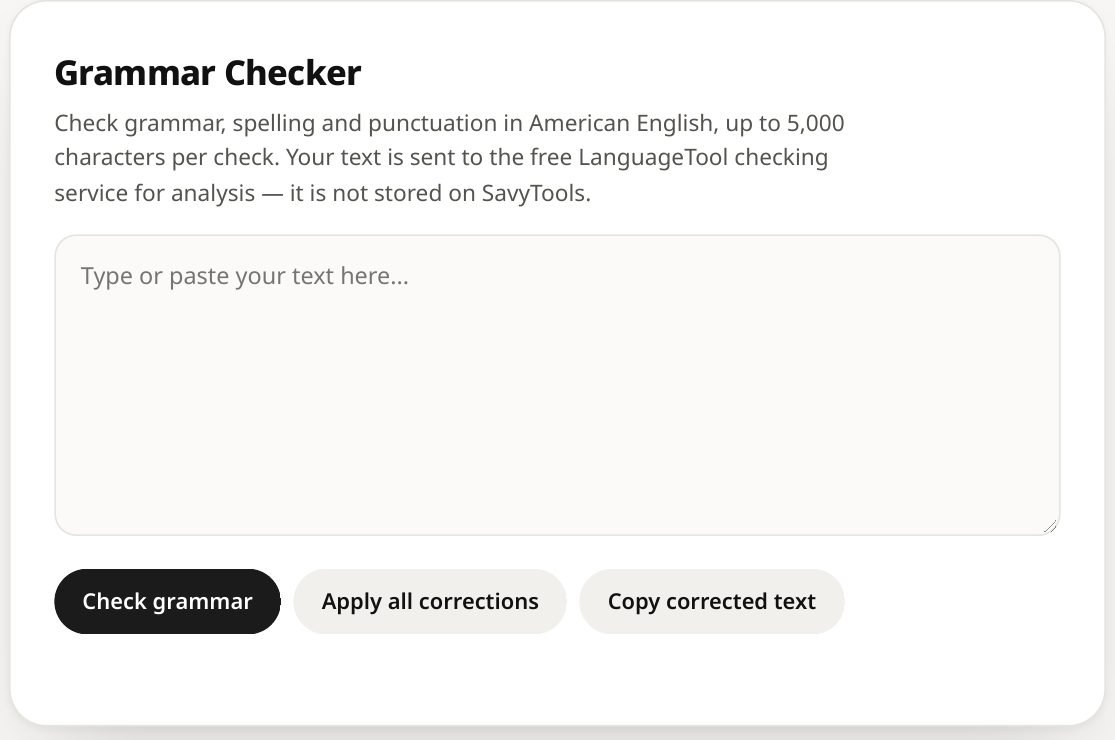
| 7. Polish it with the Grammar Checker | Run the finished version through the Grammar Checker to catch spelling and grammar slips. Our guide to checking grammar free online shows how that tool works. |
- 500 words is the limit per run. Longer text needs more than one run.
- English is the primary language for the tool.
- Always read the result against your original. If the meaning drifted, fix it yourself. The tool cannot do that for you.
- If you are writing something long, check your length with the Word Counter as you go.
When to quote instead of paraphrasing
Sometimes a paraphrase is the wrong choice. Quote instead when the exact wording is the point. A definition, a famous line, a striking phrase, or a passage you plan to analyse all belong in quotation marks.
| Situation | Paraphrase or quote? | Why |
|---|---|---|
| The idea matters, the wording does not | Paraphrase | Your own sentence keeps the writing flowing. |
| The exact wording is famous or precise | Quote | Changing the words would lose the meaning. |
| You will analyse the passage line by line | Quote | The reader needs the original in front of them. |
| A number, a date, or a technical term | Keep it exact in either case | Rewording a fact can make it wrong. |
One rule covers both choices. A paraphrase without a citation is still plagiarism, and a quote without a citation is still plagiarism. Changing the words does not make the idea yours, and neither does copying it. Common knowledge needs no citation: a fact everyone knows, like the capital of France, stands on its own. Anything you learned from a specific source needs a credit, in whatever style your school or publisher asks for.
What the site’s checkers can and cannot do
SavyTools has three checkers that people often misunderstand. Here is what each one actually does, in plain words.
| Checker | What it does | What it does NOT do |
|---|---|---|
| Plagiarism Checker | Compares two texts you paste in and shows matching passages, up to 1,000 words per text. | It does not check the web. A clean result does not prove your text is original. |
| AI Content Detector | Gives a heuristic estimate of whether text looks AI-written, up to 1,000 words. | It does not prove who wrote a text. An estimate is not evidence. |
| Grammar Checker | Checks grammar, spelling, and punctuation in American English, up to 5,000 characters per check. | It does not check meaning, facts, or plagiarism. |
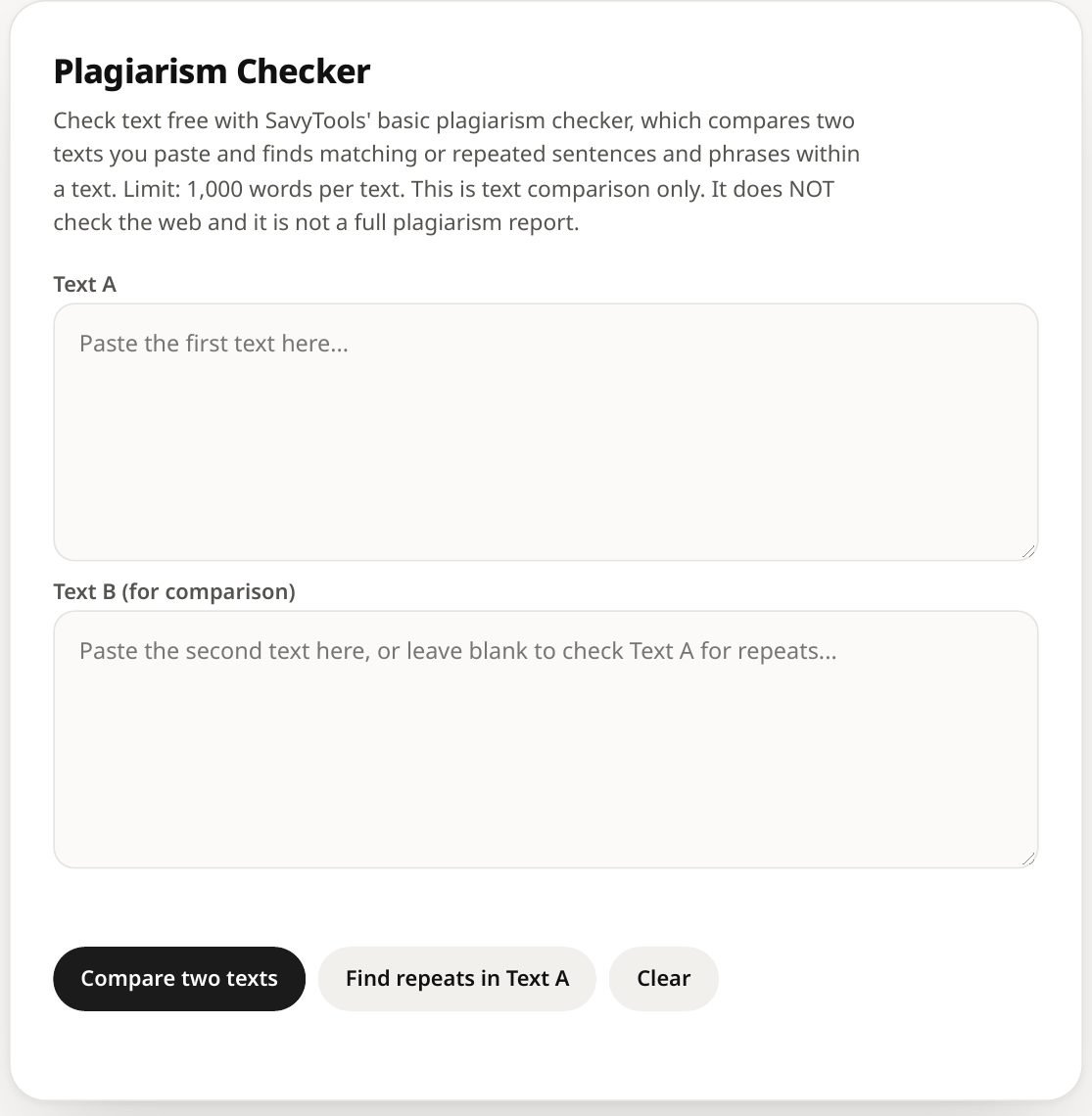
- A clean Plagiarism Checker result means your two texts do not match each other. It says nothing about the rest of the internet.
- A low AI Detector score does not prove a human wrote the text, and a high score does not prove a machine did.
- Use the checkers as a second pair of eyes, not as a verdict. The verdict is yours: did you understand the idea, rewrite it yourself, and cite it?
FAQ
