
How to Check Grammar Free Online (No Sign Up)
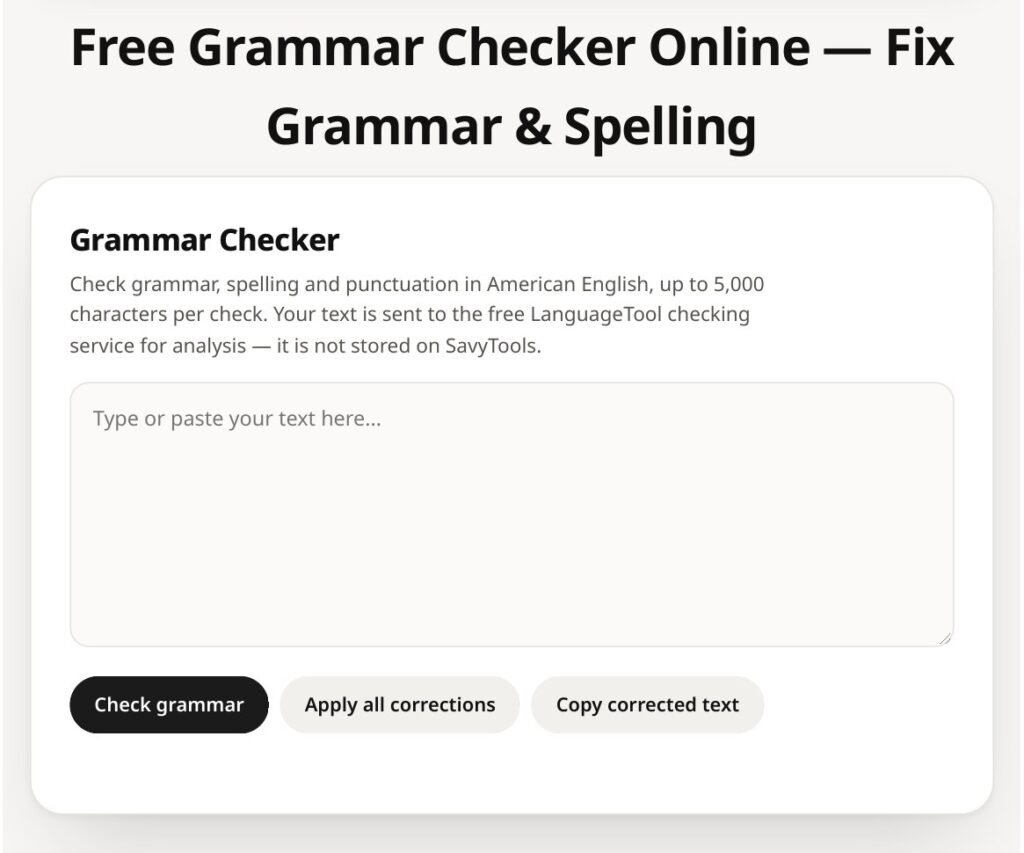
You can check grammar free online with no sign up. Open the SavyTools Grammar Checker, paste your text, and run the check. It flags spelling, grammar and punctuation errors in American English, up to 5,000 characters per check. Review each suggestion, accept the ones you agree with, and read the final text once through. Your text is sent to LanguageTool for the check and is not stored on SavyTools. Do not paste anything sensitive.
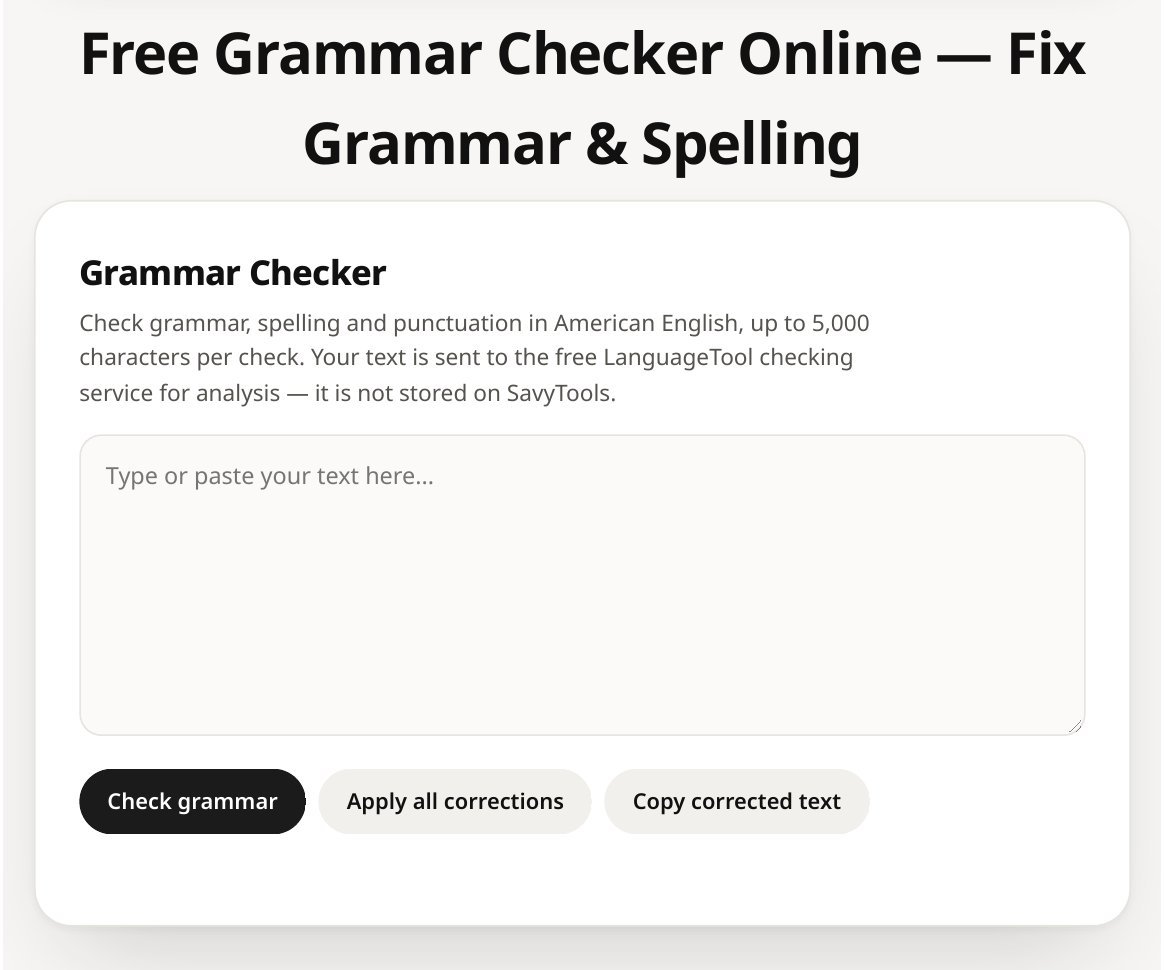
How to check your grammar in 4 steps
Checking takes less than a minute for a short text. The steps are the same every time.
| Step | What to do |
|---|---|
| 1. Paste your text | Open the Grammar Checker and paste the text you want to check. |
| 2. Run the check | Click Check grammar. The checker looks at spelling, grammar and punctuation. |
| 3. Review each suggestion | Read each flagged issue and its suggested fix before you accept it. |
| 4. Read the final text | Read the corrected text once through. A checker cannot catch every slip. |
Short version:
- Paste your text into the checker.
- Run the check and wait for the list of issues.
- Accept only the suggestions you agree with.
- Read the final text yourself before you send it or publish it.
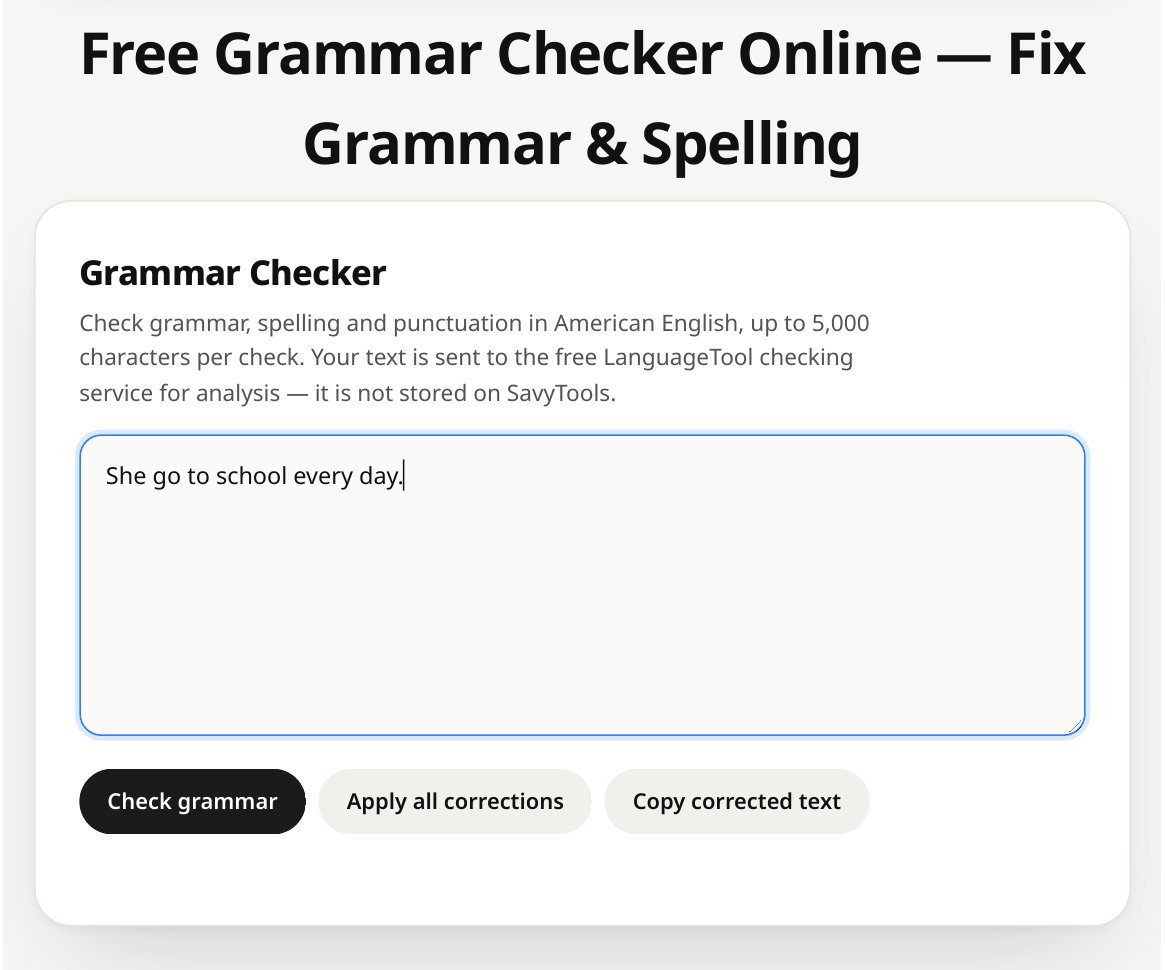
A real example
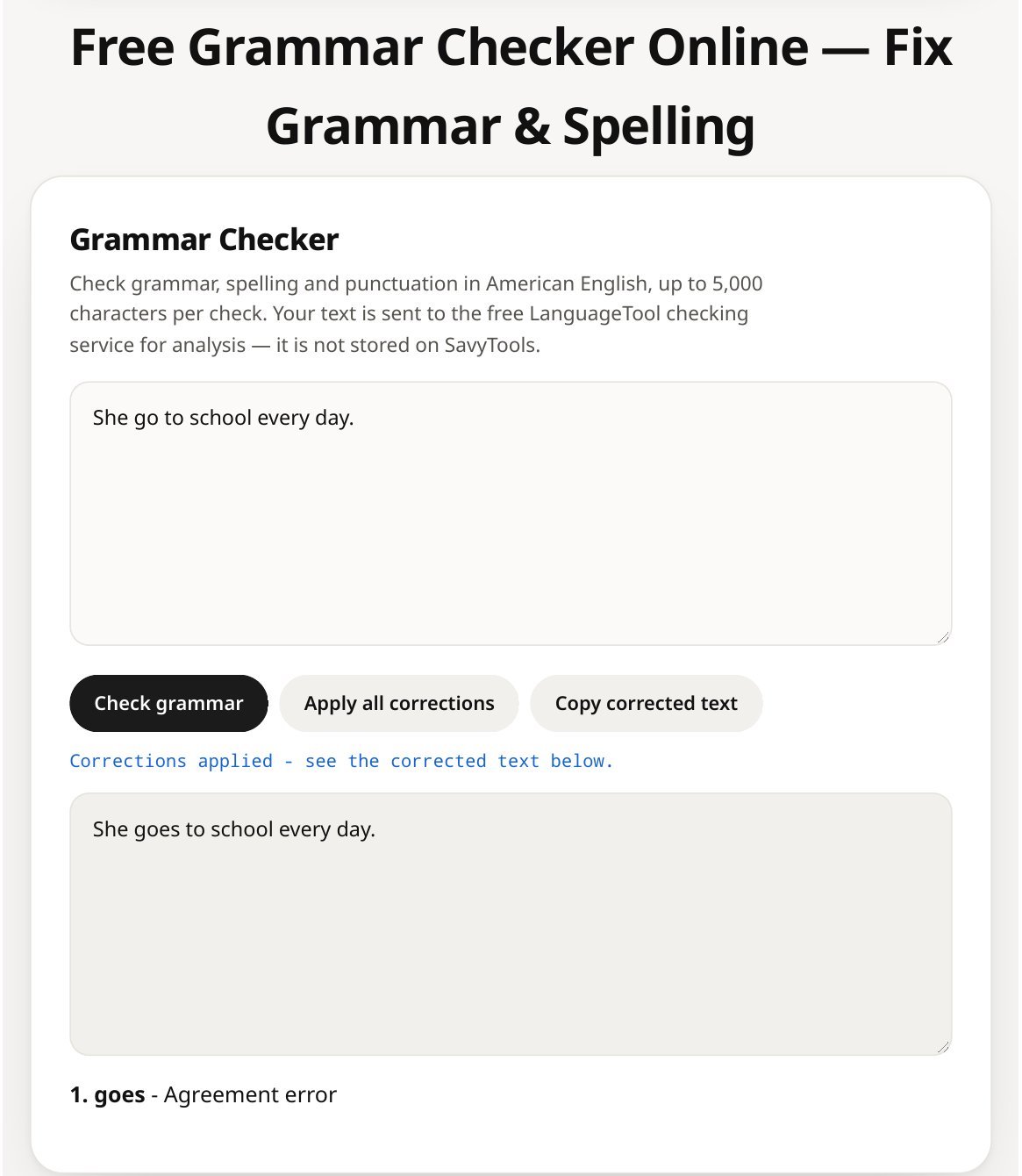
Here is the exact example the checker was tested with.
| Before | She go to school every day. |
| What the checker found | 1 issue found. “goes” is suggested, with the label “Agreement error”. |
| After | She goes to school every day. |
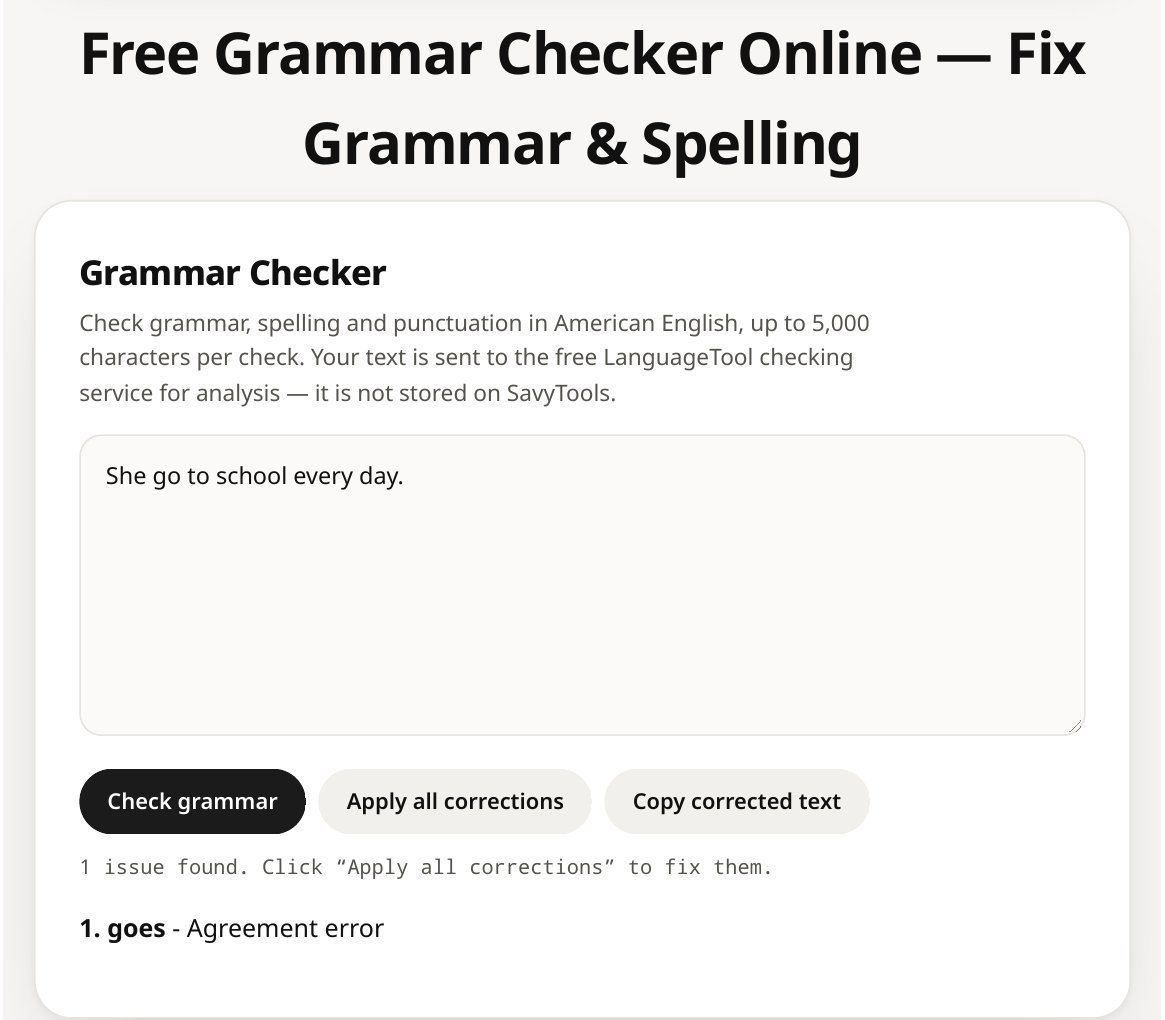
This is a subject and verb agreement error. It is easy to miss when you read your own writing fast, because your brain fills in the word you meant to write.
What the checker catches, and what it cannot catch
A grammar checker is a safety net, not a proofreader. It is good at the mechanical errors and weak at meaning.
| It catches | It cannot catch |
|---|---|
| Spelling slips | Whether your argument is right |
| Grammar errors, like agreement errors | Whether your facts are correct |
| Missing or misplaced punctuation | Whether your tone fits the reader |
| Common style slips | Whether a sentence means what you meant |
Short version:
- Use it for spelling, grammar and punctuation.
- Do not rely on it for facts, argument or tone.
- Read the final text yourself. That last read is part of the check.
The 5,000 character limit, and longer text
Each check allows up to 5,000 characters. That covers most emails, captions, cover letters and short paragraphs in one go.
If your text is longer, check it in parts:
- Split it at a paragraph break, so no sentence is cut in half.
- Check each part on its own.
- Paste the corrected parts back together and read the whole text once through.
Do not claim a word limit for this tool. The limit stated on the tool page is 5,000 characters per check.
Privacy: read this before you paste
Your text is sent to the free LanguageTool checking service for analysis. It is not stored on SavyTools.
That still means:
- Do not paste passwords, private messages, client work or anything confidential.
- Do not paste text you would not want a checking service to see.
- For sensitive writing, check a short sample first, or use a tool on your own device.
The checker works in American English only. It does not offer other languages.
Check the length too
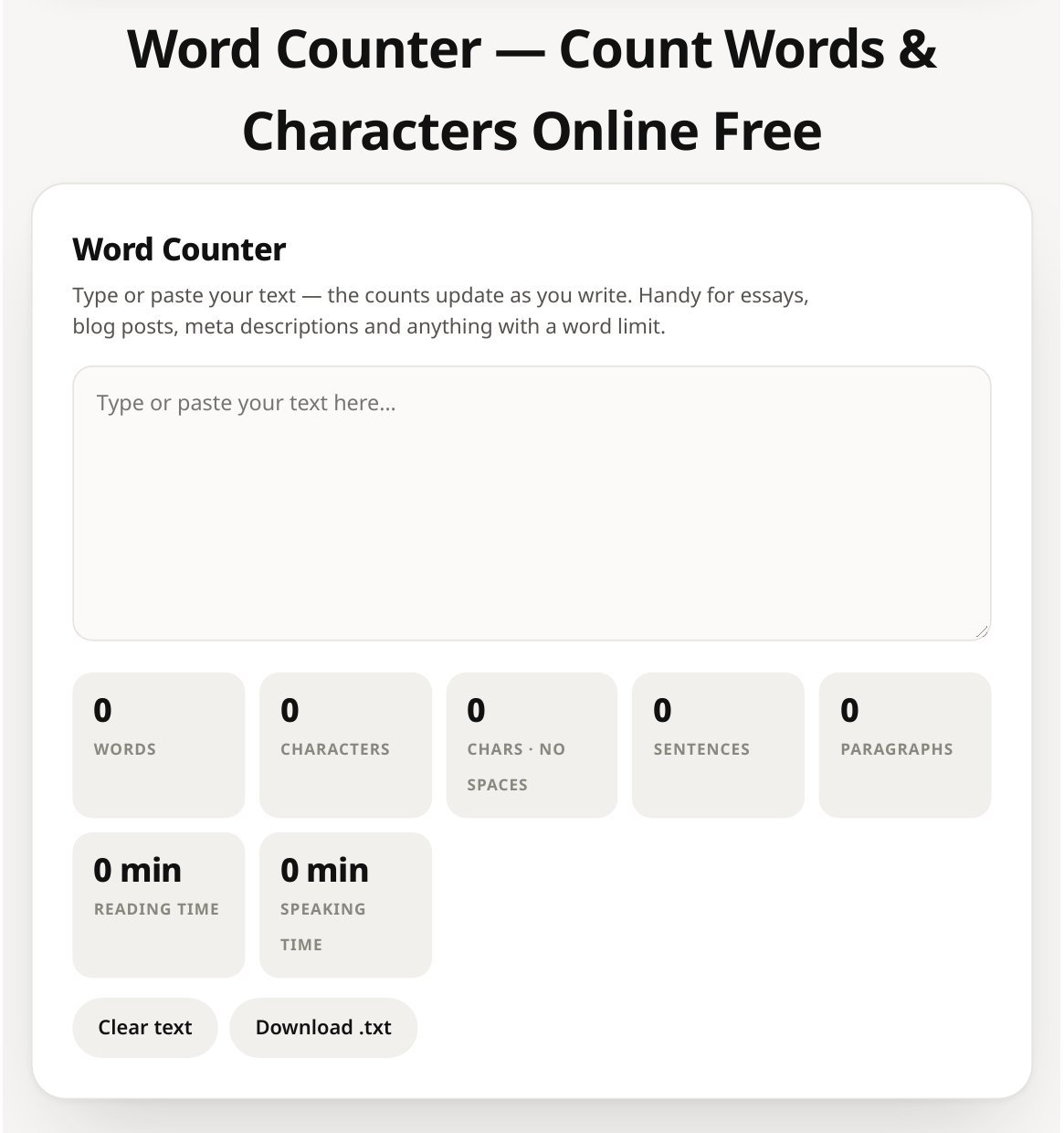
After the grammar check, count the words with the Word Counter. It counts words, characters and sentences live as you type or paste, and it estimates reading time. That helps when an essay, a job application or a caption has a word limit.
Try the Word Counter here: https://savytools.com/word-counter/
More writing tools in the same cluster
Once the grammar is clean, three more free tools in the same Text and Writing cluster can help with the next pass. All three are basic browser tools with honest limits. Use them in this order: rewrite, then check, then compare.
| Tool | What it does | Limit to state plainly |
|---|---|---|
| Paraphrasing Tool | Restates sentences in different wording using built-in synonyms and simple sentence changes, right in your browser. | 500 words. It is not an AI model, so meaning may not stay perfect. Always read the result against your original. |
| AI Content Detector | Gives a heuristic estimate based on patterns such as sentence variation, AI-style phrases and repetition. | 1,000 words. The result is a screening aid only. It is not proof that text is AI-written or human-written. |
| Plagiarism Checker | Compares two texts you paste and finds matching or repeated sentences and phrases within a text. | 1,000 words per text. This is text comparison only. It does NOT check the web and it is not a full plagiarism report. |
Short version:
- Paraphrasing Tool: https://savytools.com/paraphrasing-tool/
- AI Content Detector: https://savytools.com/ai-content-detector/
- Plagiarism Checker: https://savytools.com/plagiarism-checker/
Do not overclaim for these tools. The Paraphrasing Tool does not rewrite like an AI model. The AI Content Detector does not prove who wrote a text. The Plagiarism Checker does not search the web, so a clean result does not prove originality. Always cite your sources.
FAQ
Is the grammar checker really free?
Yes. It is free and needs no sign up. You paste your text, run the check, and review the suggestions.
How much text can I check at once?
Up to 5,000 characters per check. For longer text, split it at paragraph breaks and check each part on its own.
Does it check spelling too?
Yes. It checks spelling, grammar and punctuation in American English.
Is my text stored anywhere?
Your text is sent to LanguageTool for the check. It is not stored on SavyTools. Still, do not paste anything sensitive or confidential.
Does it work like Grammarly?
No. It flags errors and suggests fixes. It does not rewrite your text, score your style, or judge your argument. Accept the suggestions you agree with and read the final text yourself.
What should I do after the check?
Read the corrected text once through, out loud if you can. Awkward phrasing is easier to hear than to see.
