Best Free PDF Tools Online in 2026 (Merge, Compress, Split & Convert — All in One Place)
PDFs are everywhere in American life. A job application, a school assignment, a lease agreement, a tax form, a scanned receipt — sooner or later, almost everyone needs to change something about a PDF. And the first thing most people type into Google is a simple question: is there a free PDF tool that just works, without installing software or creating an account?
The answer is yes — and in 2026 you do not need one expensive program to handle it all. The best free PDF tools online now cover the four jobs people need most: merging, compressing, splitting, and converting. This guide rounds up the best free options, explains exactly when to use each one, and shows you how to do all of it free on SavyTools, right in your browser.
Why free online PDF tools beat installing software
Desktop PDF software is powerful, but it comes with a price tag, a download, and regular updates. For the everyday jobs most people actually do — combining two PDFs, shrinking a file to send by email, or turning a Word document into a PDF — a browser tool is faster. You open the page, drop in your file, and download the result. Nothing to install, nothing to update, and it works the same on Windows, Mac, Chromebook, or your phone.
There is one thing to check before you trust any online PDF tool: what happens to your file. Some sites upload your document to their server, process it there, and keep it for hours. SavyTools works differently — its PDF tools run entirely in your browser, so your files never leave your own device. That is the standard you should expect from any free PDF tool in 2026.
How to merge PDF files online free
Merging is the most common PDF job of all. Maybe you scanned a multi-page contract as separate files, or you need to combine a resume and a cover letter into a single document before uploading it to a job portal.
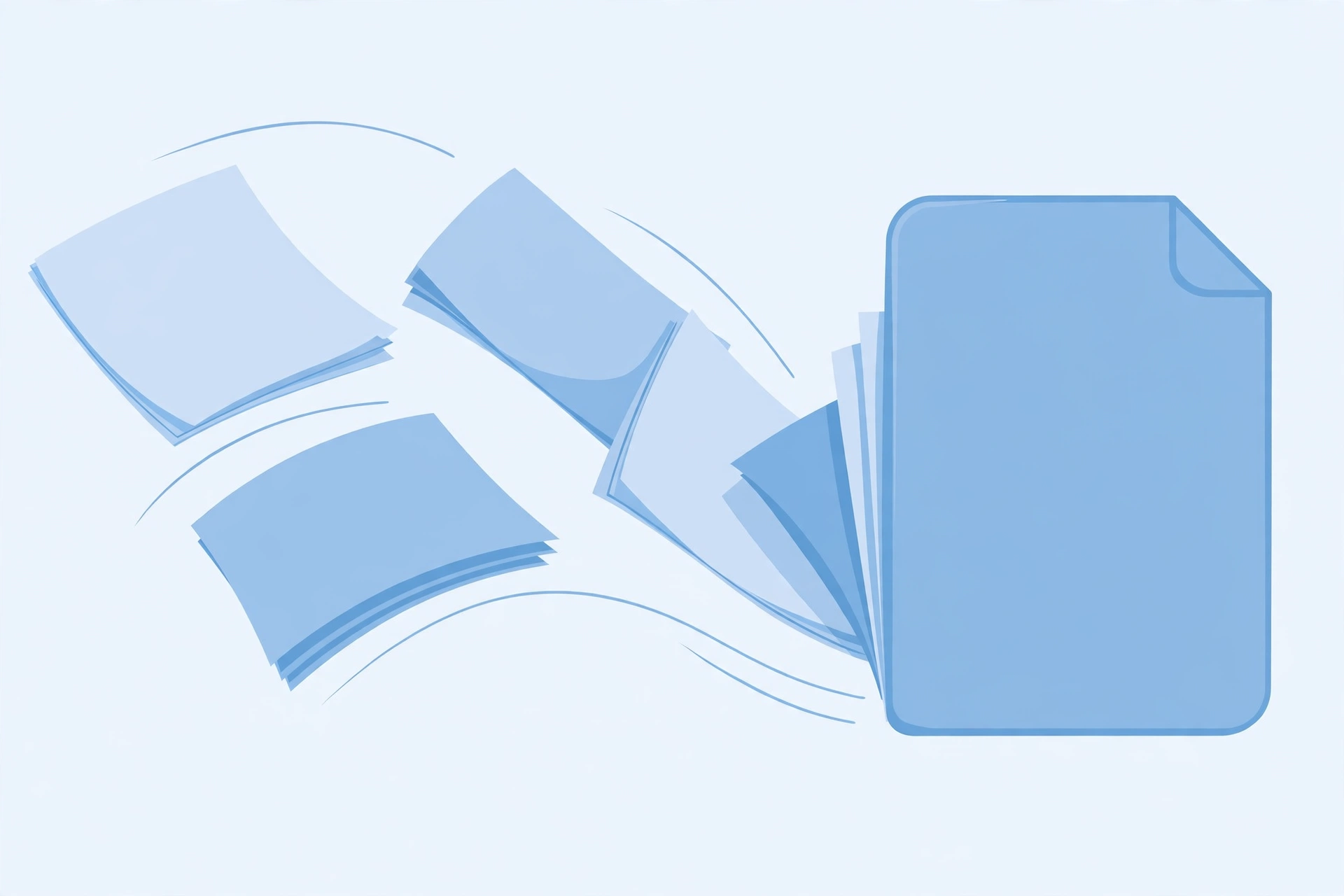
The process is simple. Open SavyTools’ Merge PDF tool, add the files in the order you want them, arrange them if needed, and click merge. You get one clean PDF back, with the pages in exactly the order you chose. It is free, there is no sign-up, and because the merging happens in your browser, even a long document stays private.
A merged file is also easier to share. Instead of sending five attachments and hoping the other person opens them in the right order, you send one file. Recruiters, teachers, and landlords all prefer it.
How to compress a PDF for email and uploads
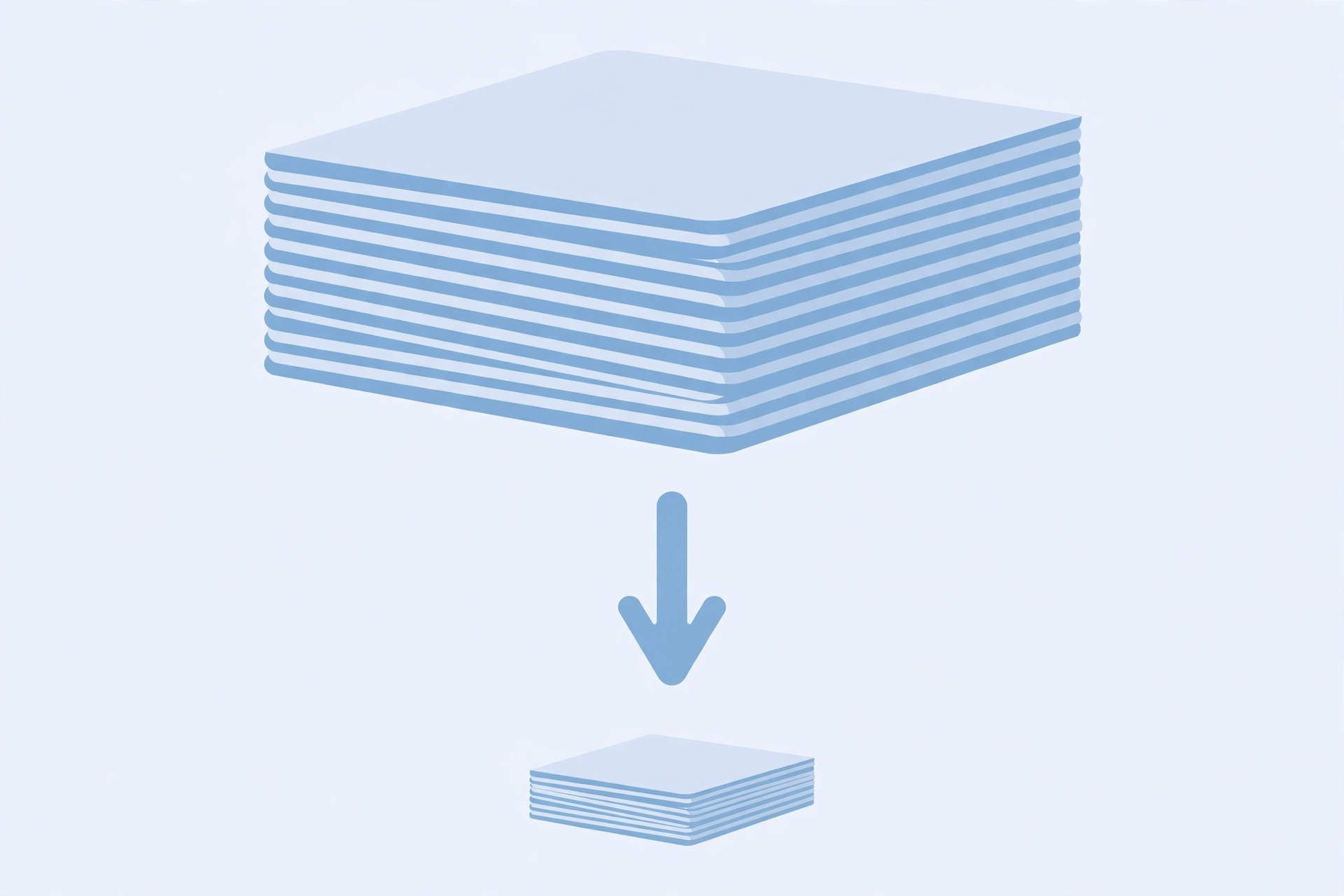
The second most searched PDF problem is size. A scanned PDF can easily cross 10 or 20 MB, and then email providers bounce it, job portals reject it, or uploads crawl. That is where a PDF compressor earns its place.
SavyTools’ Compress PDF tool shrinks your file while keeping the text readable and the layout intact. Drop in the large file, compress it, and download the smaller version. As a rule of thumb, a compressed PDF that keeps its text sharp is good enough for email, uploads, and printing — you only need the original full-size file if you are sending something to a professional printer.
One honest tip: compression always involves a trade-off. If a file is mostly scanned images, it will not shrink as much as a text-based PDF. Compress first, check the result, and only then send it — never delete your original until you have confirmed the smaller file looks right.
How to split PDF pages free
Sometimes you need the opposite of merging: one PDF, but only a few pages of it. A 60-page report where only chapter 3 matters, or a bank statement where you only want to share one month.
SavyTools’ Split PDF tool lets you pull out exactly the pages you need and save them as a new file. It is the same idea as photocopying three pages out of a book instead of handing someone the whole book — faster, smaller, and you share only what is relevant.
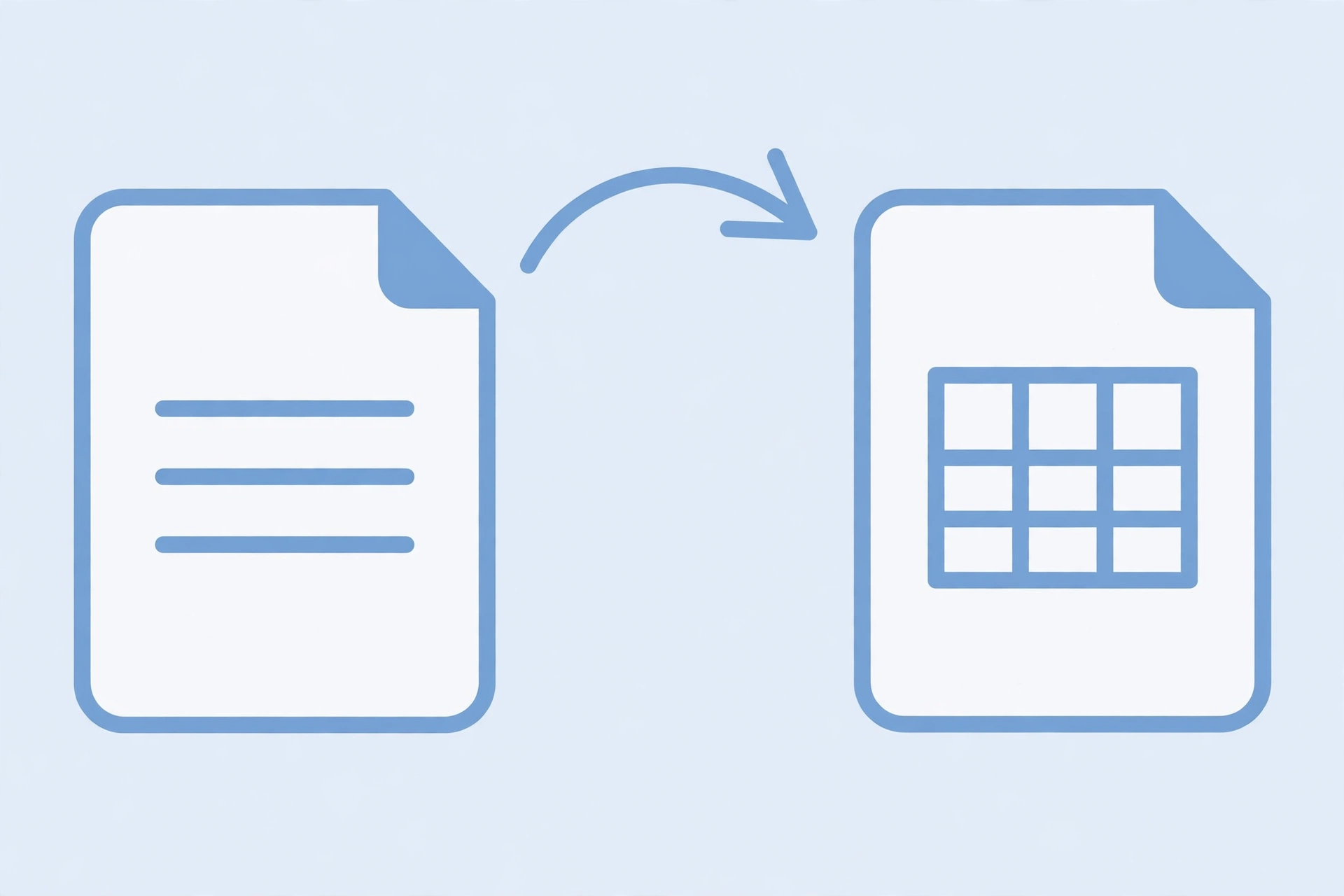
How to convert PDF to Word, and Word to PDF, free
Conversion is where people waste the most money. You do not need a paid subscription to turn a PDF into an editable document, or to turn a Word file into a PDF for sharing.
- PDF to Word: SavyTools’ PDF to Word tool converts your PDF into a document you can edit. It is ideal when someone sends you a PDF form or a report and you need to change the text instead of retyping the whole thing.
- Word to PDF: When your document is finished, the Word to PDF tool turns it into a PDF that looks the same on every computer and phone. That is why employers and schools ask for PDFs in the first place — the formatting cannot shift.
- JPG to PDF and PDF to JPG: Photos of documents are common too. The JPG to PDF tool turns phone photos of pages into a single PDF, and PDF to JPG goes the other way, turning PDF pages into images you can share or post.
For all of these, the same rule applies: if a site asks you to pay or sign up just to convert one file, close the tab. Free tools handle this job well.
Which free PDF tool should you use?
Here is the quick version:
- Combining files? Use Merge PDF.
- File too big to send? Use Compress PDF.
- Only need a few pages? Use Split PDF.
- Need to edit a PDF? Use PDF to Word.
- Need a file that looks identical everywhere? Use Word to PDF or JPG to PDF.
All five are free on SavyTools, and all of them work without installing anything. Bookmark the ones you use most, and you will never need to search for a PDF tool again.
Are free online PDF tools safe?
Mostly, yes — with one check. Before uploading a sensitive document (a tax form, a medical record, a signed contract) to any online tool, ask where the file is processed. Tools that process files in your browser, like SavyTools’ PDF tools, never send your document anywhere, which is the safest setup. Tools that upload to a server should at least promise automatic deletion — and for truly sensitive files, a browser-based tool is simply the better choice.
Also beware of sites that promise “free” but watermark your output or limit you to one file a day unless you pay. A genuinely free tool does the job and gives you a clean file. That is the standard SavyTools is built on: free online tools that just work.
Frequently asked questions
Do I need to install software to merge or compress a PDF? No. Modern browser-based PDF tools do merging, compressing, splitting, and converting without any download. You only need a browser, and the result works on any device.
How can I reduce PDF file size without losing quality? Use a PDF compressor and check the output before sending it. Text-based PDFs shrink a lot with almost no visible change. Scanned, image-heavy PDFs shrink less — compress, preview, and keep your original until you are happy with the result.
What is the best free PDF tool for everyday use? It depends on the job: Merge PDF for combining files, Compress PDF for large files, Split PDF for extracting pages, and PDF to Word or Word to PDF for converting. The best setup is a site that offers all of them free in one place, so you are not creating accounts on five different websites.
Is there a completely free PDF merger with no watermark? Yes. SavyTools’ Merge PDF tool combines your files and gives you a clean document with no watermark added and no account needed. If a “free” merger stamps its logo on your output or stops you after one file unless you pay, it is not really free — switch to a tool that hands you the finished file as it is.
Conclusion
PDFs are not going away — if anything, Americans deal with more of them every year, from job hunts to schoolwork to rental applications. The good news is that you no longer need expensive software for the everyday jobs. The best free PDF tools online in 2026 handle merging, compressing, splitting, and converting right in your browser, free and without sign-ups.
Try them on SavyTools: start with Merge PDF, Compress PDF, and Split PDF, and keep this guide bookmarked for the next time a PDF needs fixing.